
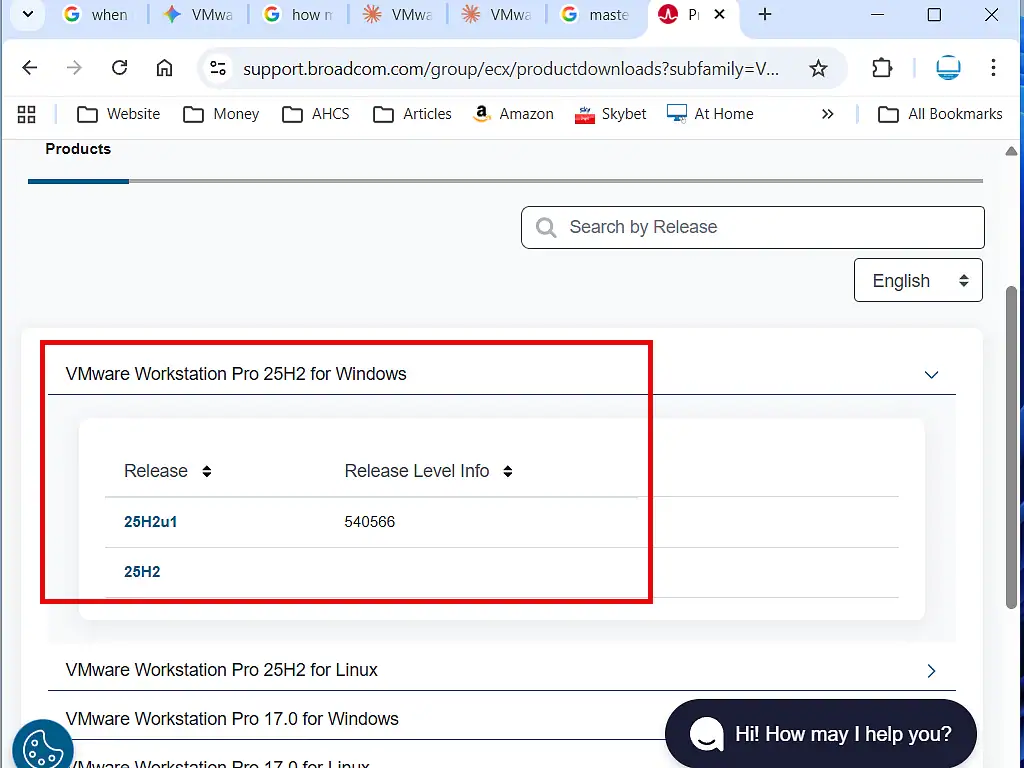
When I headed over to the Broadcom website to download the latest version of VMware Workstation Pro. There were two options available – 25H2 and 25H2u1. The u1 version was the latest release, so I downloaded and installed it.
Simple enough you might say. But when the installation completed and I launched it for the first time, something felt… off. This wasn’t what I was expecting at all. Is VMware Player back?
Workstation Pro and Workstation Player
VMware Workstation Pro had long been the premium desktop hypervisor — a powerful tool with features like running multiple VMs simultaneously and creating snapshots, which came at a price tag to match, often upwards of $200. For home users who didn’t need all of that, VMware offered Workstation Player: a free, stripped-down alternative that simply worked. No frills, but a stable platform for running virtual machines on your home PC.
That changed when Broadcom acquired VMware in November 2023 for around $69 billion. In May 2024, Workstation Pro became free for personal use – rendering a “lite” version somewhat redundant. VMware Player was quietly discontinued and vanished from the Broadcom website. That seemed to be that.
So What is This?
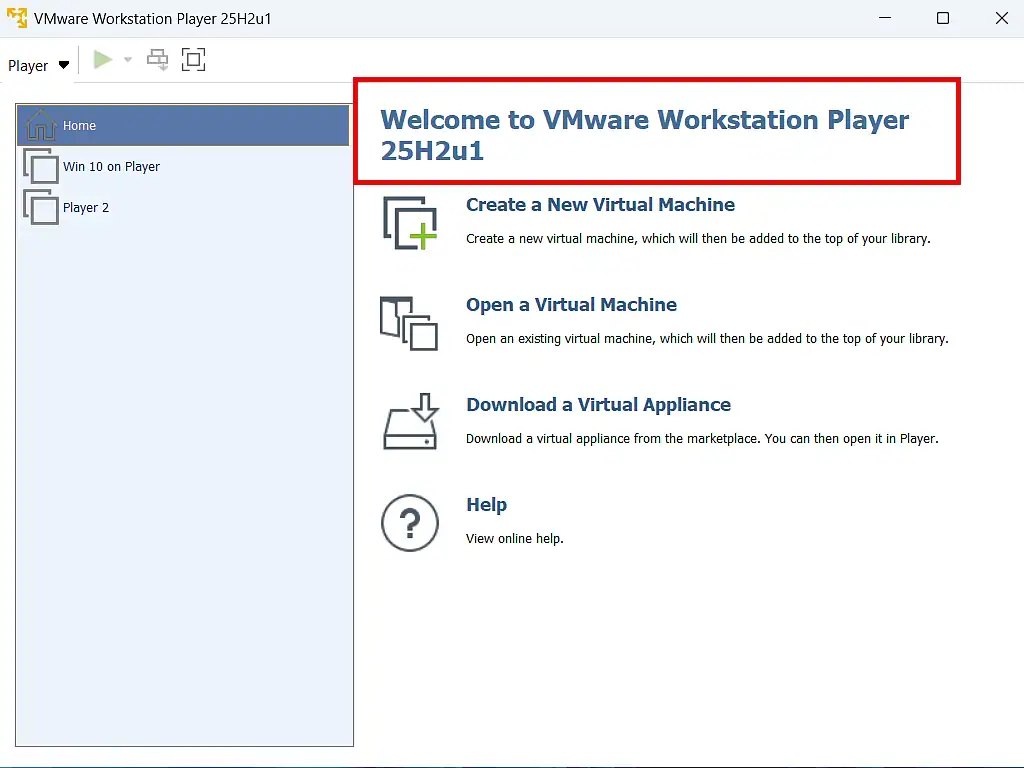
Having installed Workstation Pro 25H2u1, I launched it and to my complete surprise I found myself looking at VMware Player.
Even the old icon is back 
The user interface is identical to earlier versions of Player, though the version number clearly reads 25H2u1.
And just like before, the familiar limitations are back too: no snapshots, and no running multiple virtual machines simultaneously. The “lite” version has apparently returned.
What Does This Mean for Workstation Pro?
Right now, the Broadcom download page offers two options: 25H2, which is still the full Workstation Pro, and 25H2u1, which – as we’ve just established – installs VMware Player. Whether this is intentional, a temporary situation, or the beginning of a longer transition isn’t clear. But it raises some obvious questions.
- Will Workstation Pro continue to exist alongside Player?
- Will it eventually revert to being a paid product?
- And if Player is back, what exactly is its relationship with Pro going forward?
For now, nobody seems to be saying. I can’t find any information anywhere, but since the release was only a few weeks ago, maybe we need to give it a little more time.
Final Thoughts
From where I’m sitting, it really looks like Broadcom might be about to pull a fast one. By discontinuing Player and giving Pro away for free, they got it installed on a huge number of machines. And now, with Pro already embedded on those systems, the sting: switch it back to a paid product and watch the upgrades roll in.
I hope I’m wrong. Maybe Broadcom genuinely intends to offer both versions for free and simply wants to give home users a lighter option again. But it’s hard to see the business logic in maintaining two free versions of the same application indefinitely.
Either way, if you’re a home user who just wants a free, simple way to run virtual machines, my advice for now would be to download 25H2 – the version that’s still confirmed as Workstation Pro – and hold off on 25H2u1 until things become clearer. Watch this space.
How to Open and Convert Publisher Files to Word or PDF, Even Without Publisher
Publisher has gone from Microsoft 365 and Office 2024.
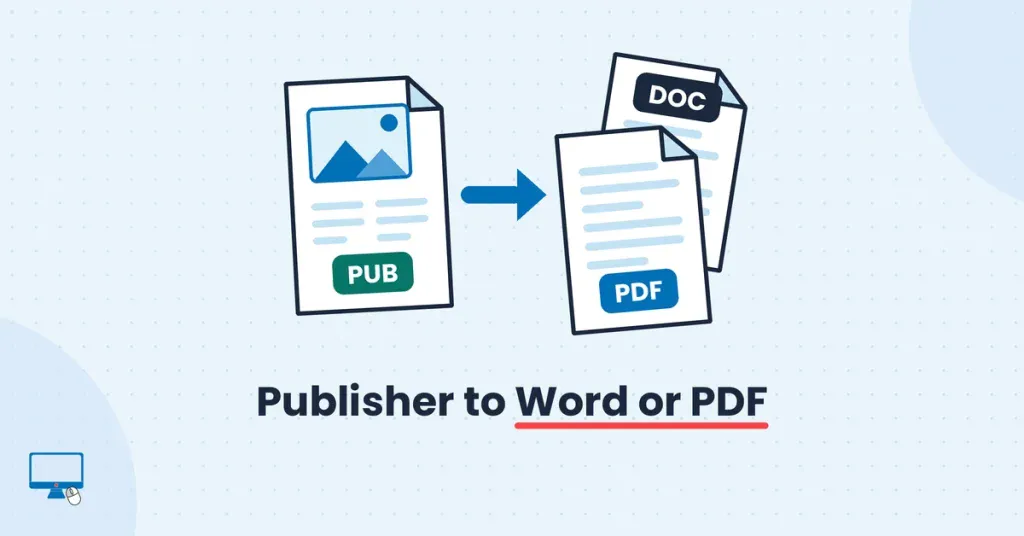
How to open your .pub files without it, save them as PDF and get them into Word, free, with or without Publisher.
You can find this and other related step by step guides in – At Home Computer Guides